

One document process
Add an electronic stamp when your document requires one.
Add an electronic stamp when the document needs one.
Usage guide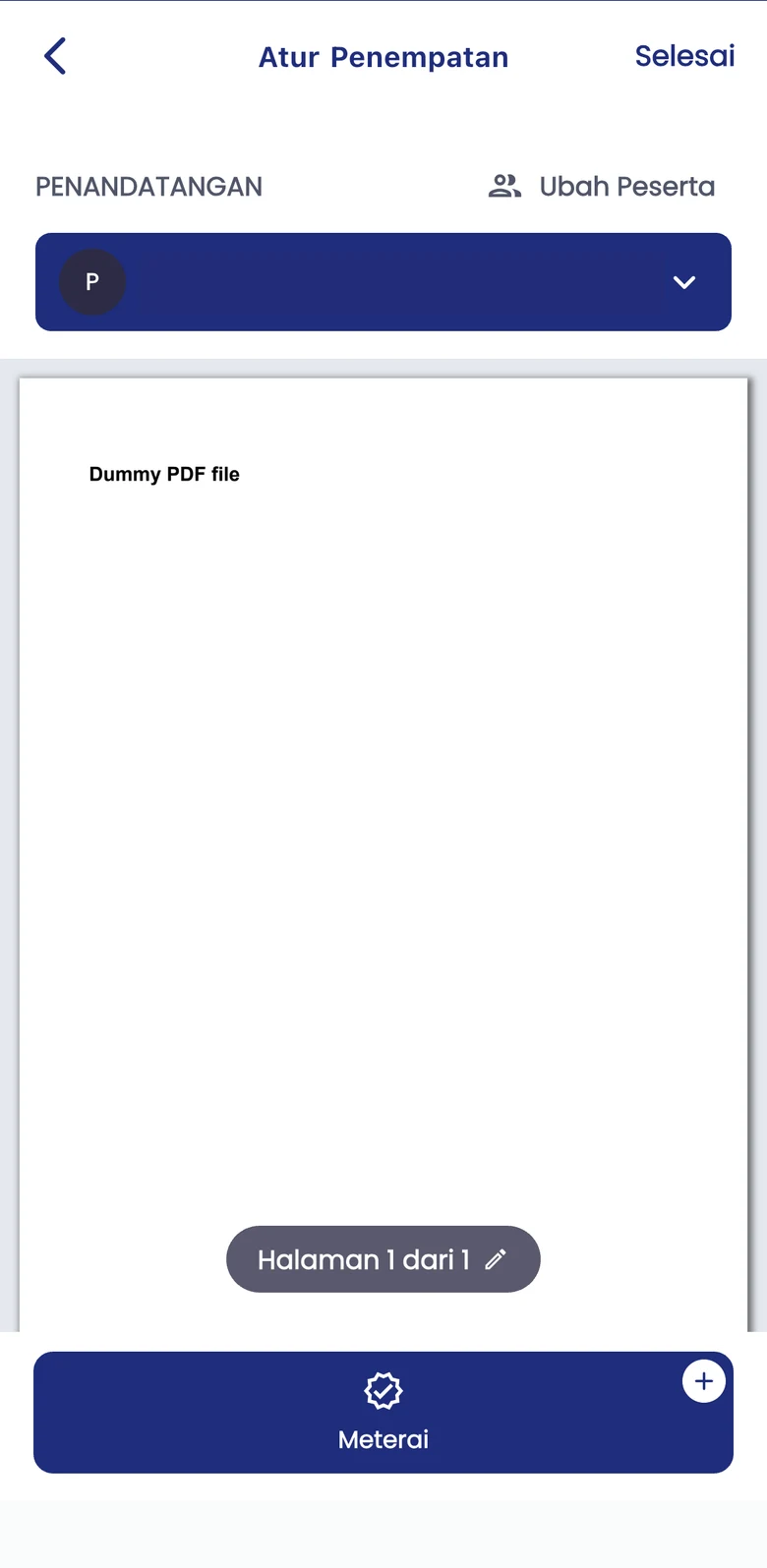
Add an electronic stamp when your document requires one.
Use the Meterai control on the placement screen to inspect the stamp area.
Keep stamp requirements separate from signing and approval requirements.
Confirm that the document needs a stamp under applicable rules.
Open the document and select the stamp area using the Meterai control.
Inspect the stamped document before continuing the next workflow stage.
Manage your own document needs independently with a Personal account.
Start as PersonalDiscuss workflows, API integration, and implementation support for your organisation.
Contact Enterprise SalesExplore Enterprise API optionsAdapt the process to the document type, user authority, and applicable requirements.
No. Stamps and signatures serve different purposes. The need for each depends on the document and applicable rules.
No. Review stamp-duty requirements for the document type and applicable rules; being digital alone is not a reason to add a stamp.
Confirm pricing, availability, and stamping requirements in the app or with Xignature before proceeding.
Start independently or discuss your company workflow with the Xignature team.