

Stay with the document
Complete internal initials without moving work elsewhere.
Complete internal initials without moving work somewhere else.
Usage guide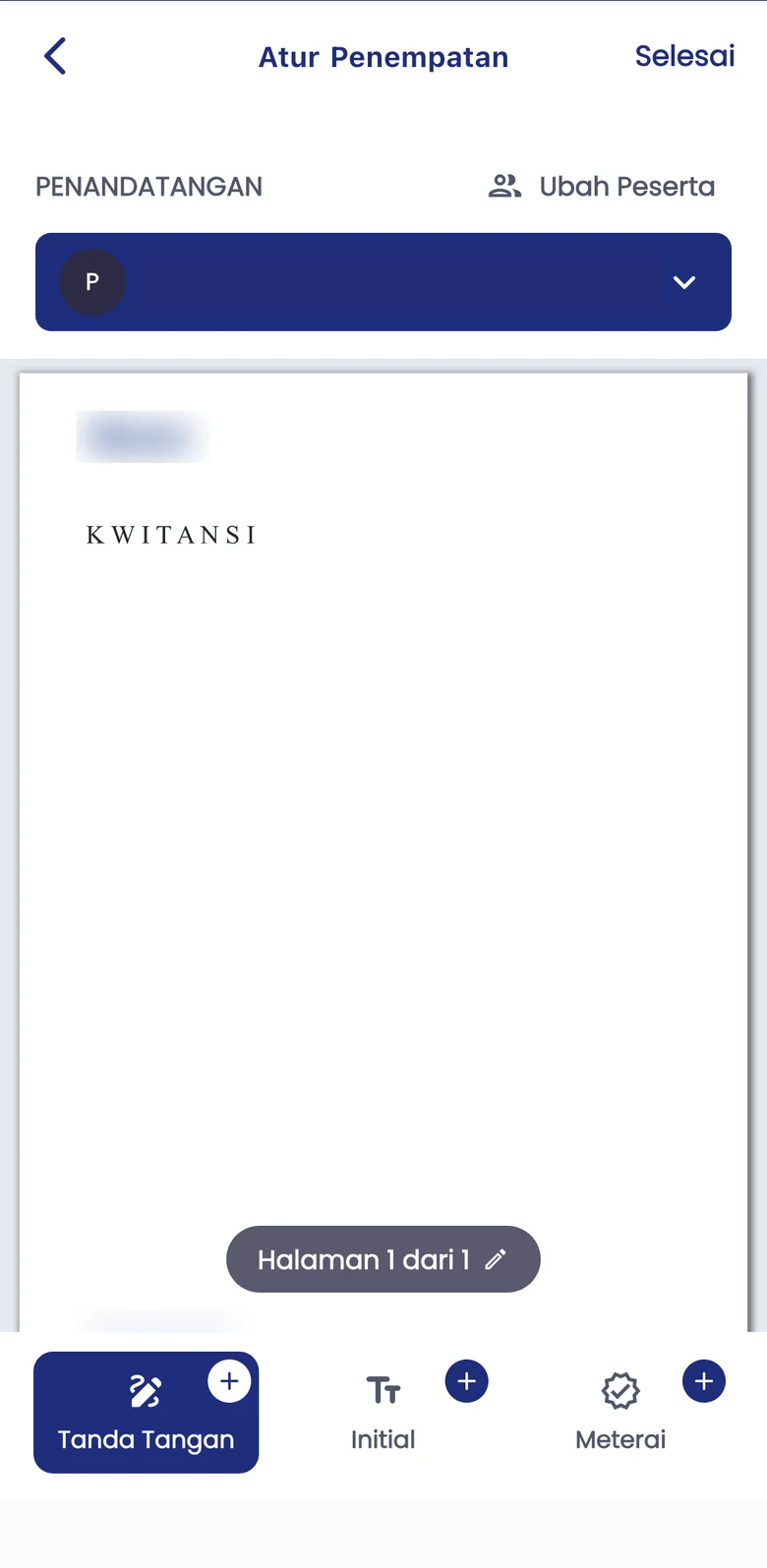
Complete internal initials without moving work elsewhere.
Review the page and use the Initial control on the placement screen.
Use initials for review requirements, without treating them as a replacement for final signing.
Choose the document, pages, and people who need to add initials.
Use the Initial control and review their position on the document.
Review the initials and proceed to signing if required.
Manage your own document needs independently with a Personal account.
Start as PersonalDiscuss workflows, API integration, and implementation support for your organisation.
Contact Enterprise SalesExplore Enterprise API optionsAdapt the process to the document type, user authority, and applicable requirements.
e-Paraf supports initials and internal review. Xignature Sign supports signing workflows; authority and approval rules remain defined by your organisation.
The actual app screenshot shows the Initial control on the placement screen, alongside signature and stamp controls.
Not always. Decide whether a document needs initials, signatures, or both based on organisational policy and applicable requirements.
Start independently or discuss your company workflow with the Xignature team.